


Old Photo Animator AI icon

Download Old Photo Animator AI

Free on the App Store & Google Play

Photography

Old Photo Animator AI

Bring old photos to life

See your grandparents smile again. Restore, colorize and animate old family photos.

Old Photo Animator AI is built for family memories. Repair torn, scratched and faded heritage photos, add natural color to black & white portraits, remove distracting backgrounds, and gently animate an ancestor's face into a short HD video you can share. People use it for memorial tributes and funeral slideshows, Mother's Day and Father's Day gifts, genealogy and family-history projects, and simply rescuing the shoebox of old prints in the closet. Your photo is processed securely, never sold, and deleted from our servers after processing.

Old Photo Animator AI app screenshot

Real results

Before and after

Every one of these came out of the app — no manual retouching, no editing skills. Drag any slider to compare, or just watch.

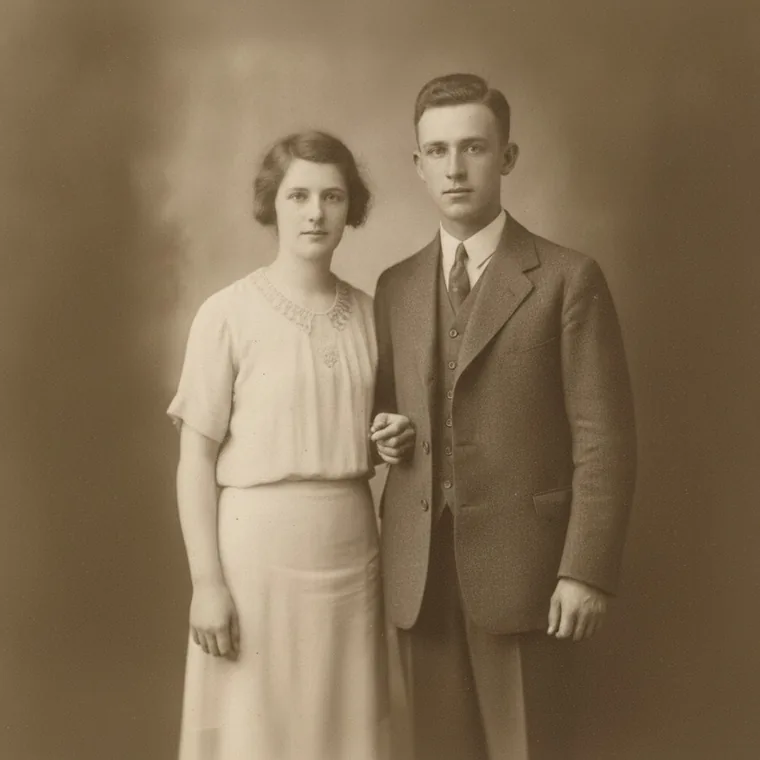
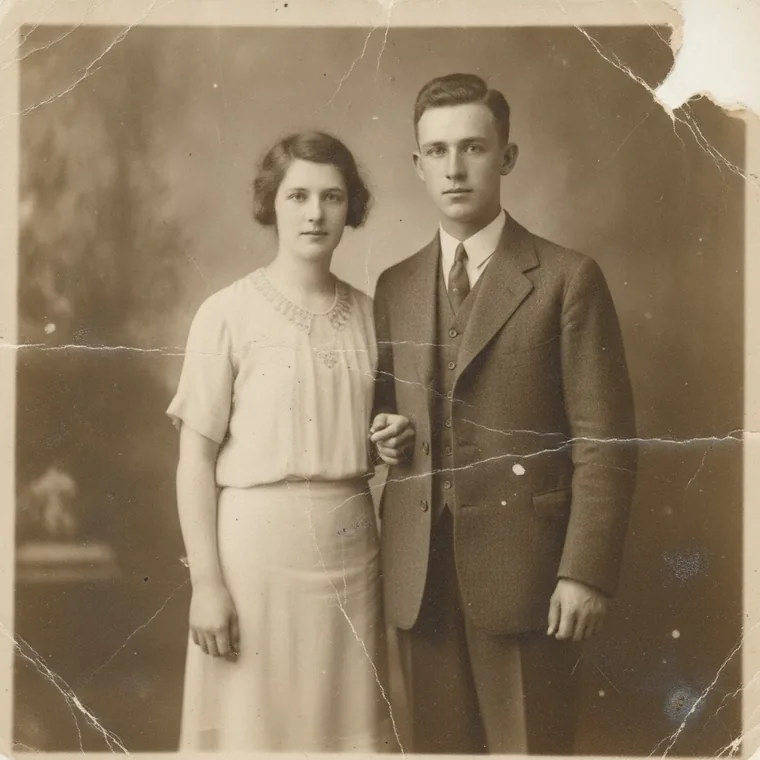
A scratched 1920s portrait of a young couple — after
A scratched 1920s portrait of a young couple — before
BEFOREAFTER
Restore
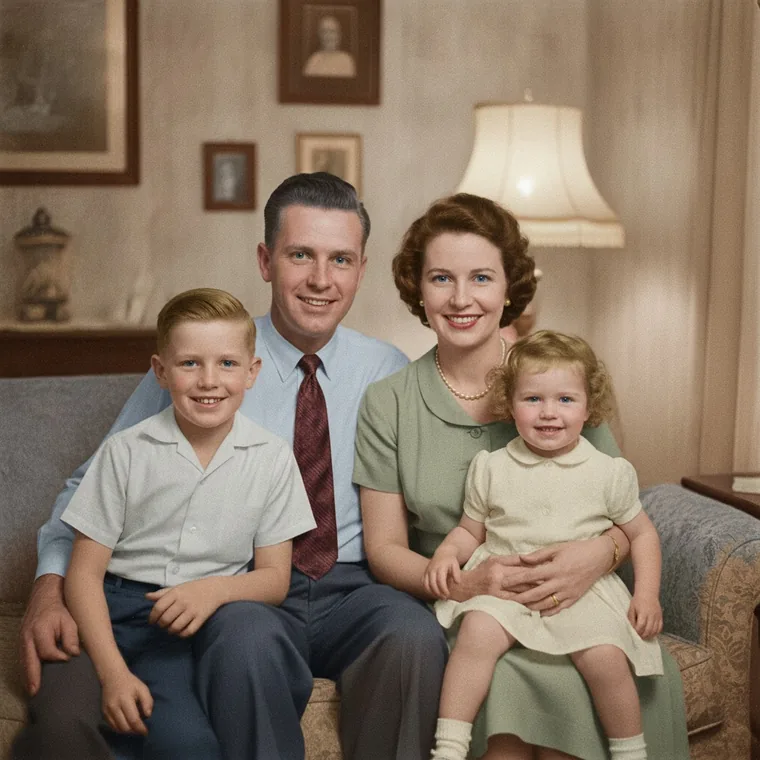
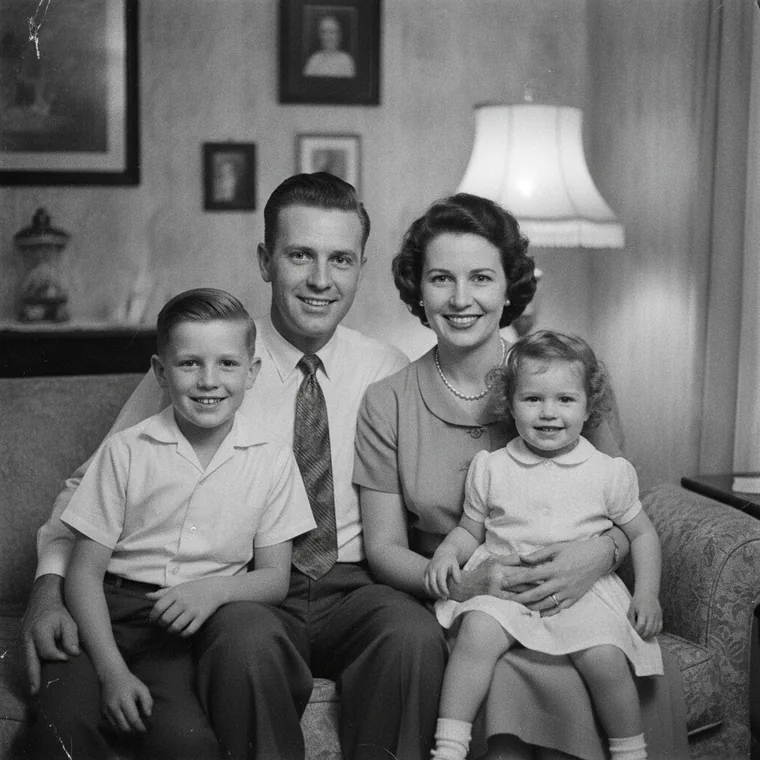
A black and white family photograph in a living room — after
A black and white family photograph in a living room — before
BEFOREAFTER
Colorize
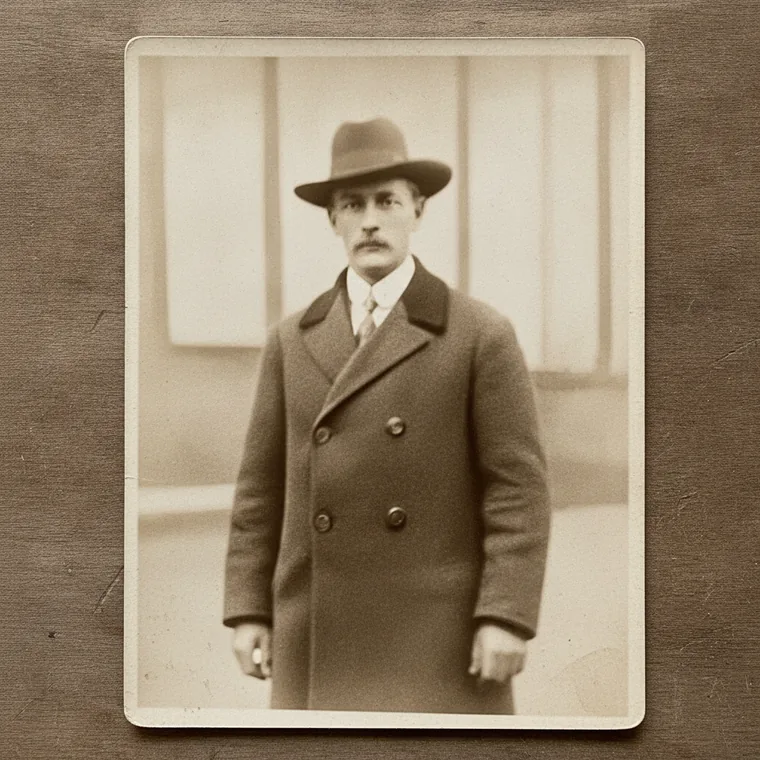
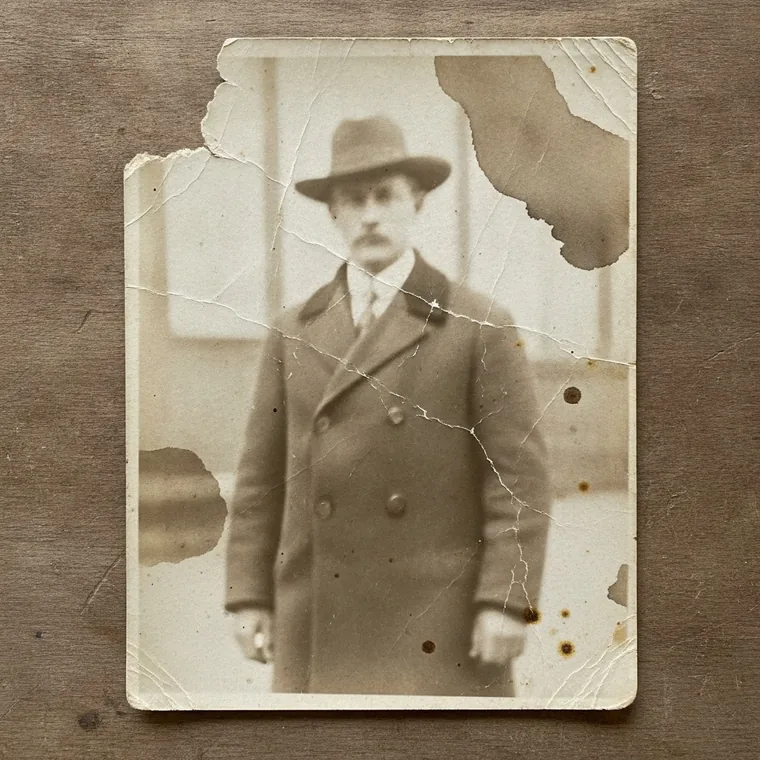
A stained and cracked portrait of a man in a hat — after
A stained and cracked portrait of a man in a hat — before
BEFOREAFTER
Restore
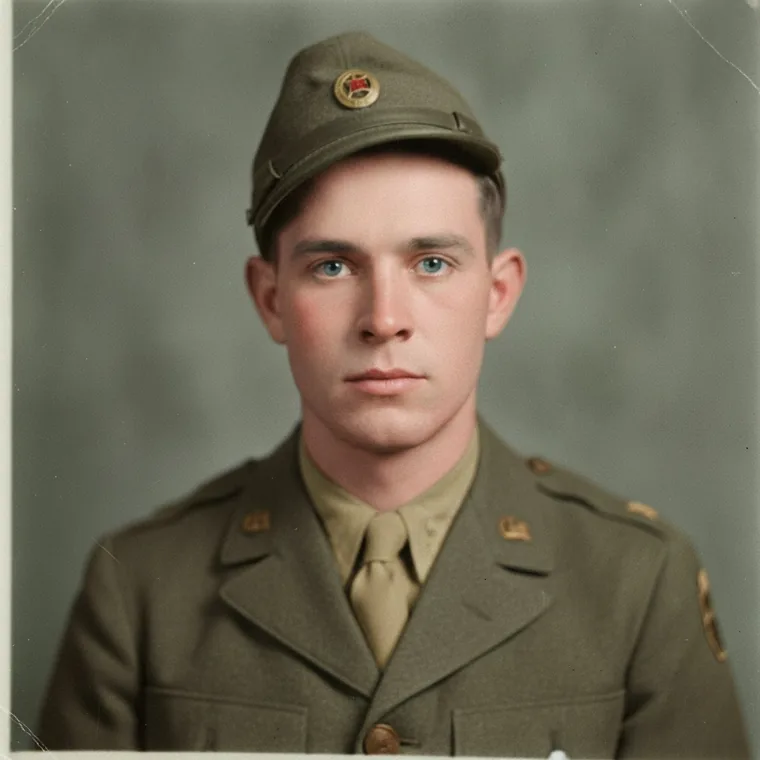
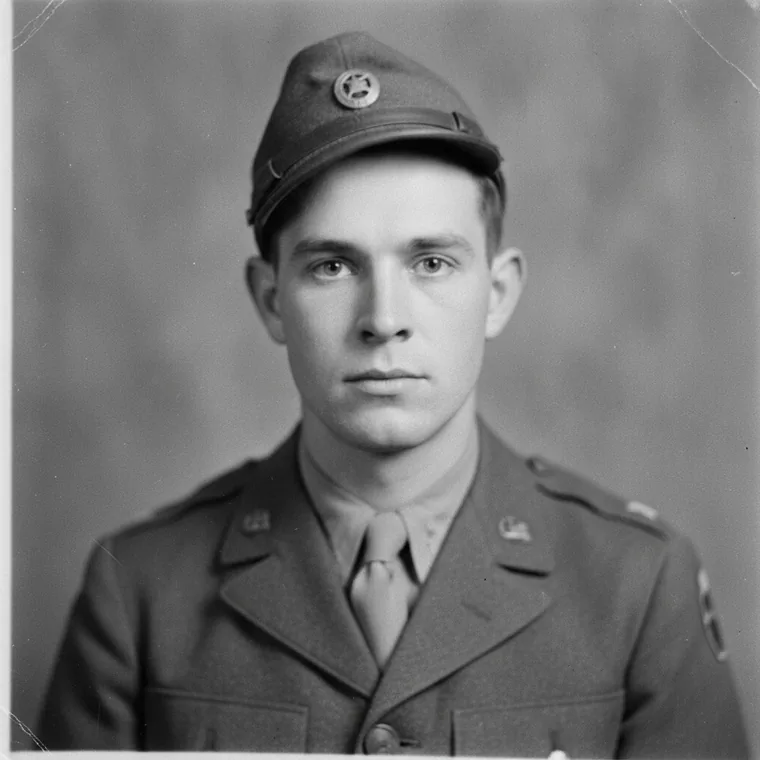
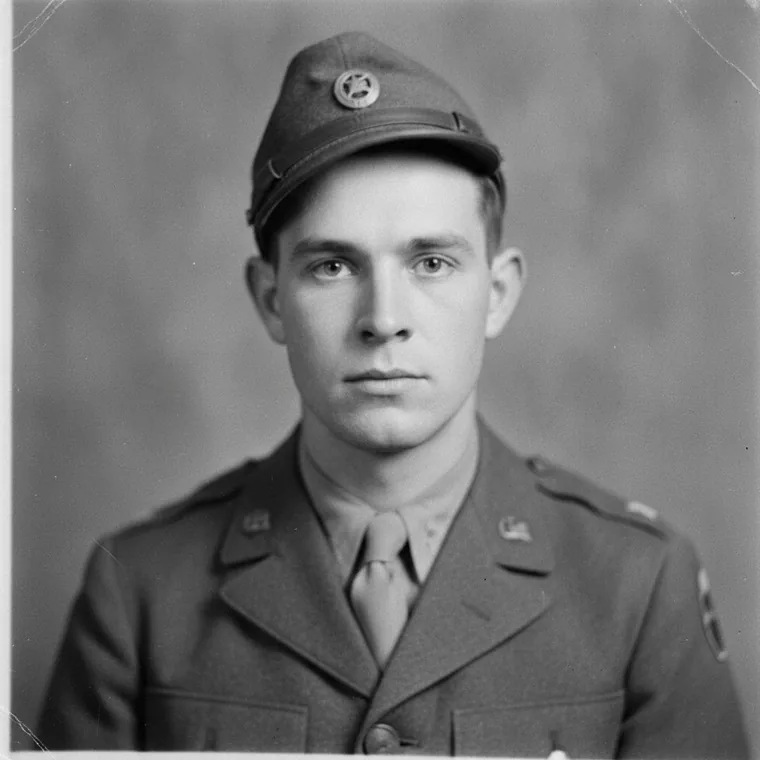
A black and white portrait of a young soldier — after
A black and white portrait of a young soldier — before
BEFOREAFTER
Colorize
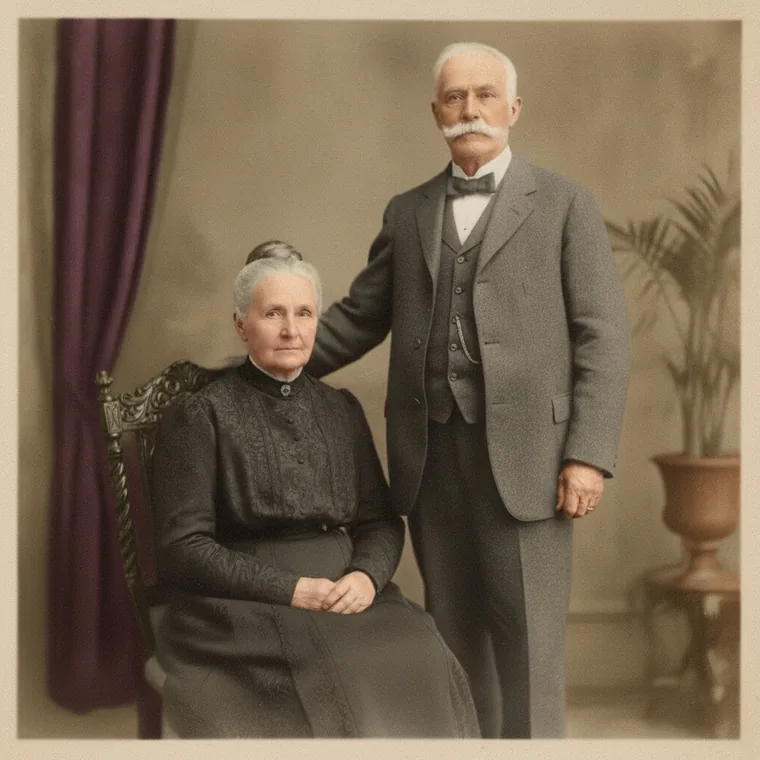
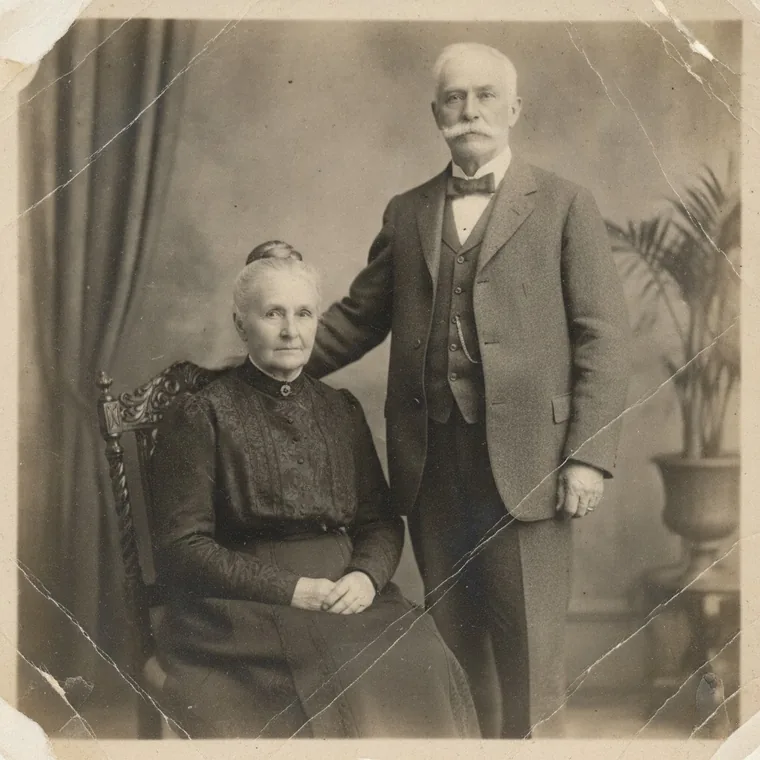
A creased portrait of an elderly couple — after
A creased portrait of an elderly couple — before
BEFOREAFTER
Restore + Colorize
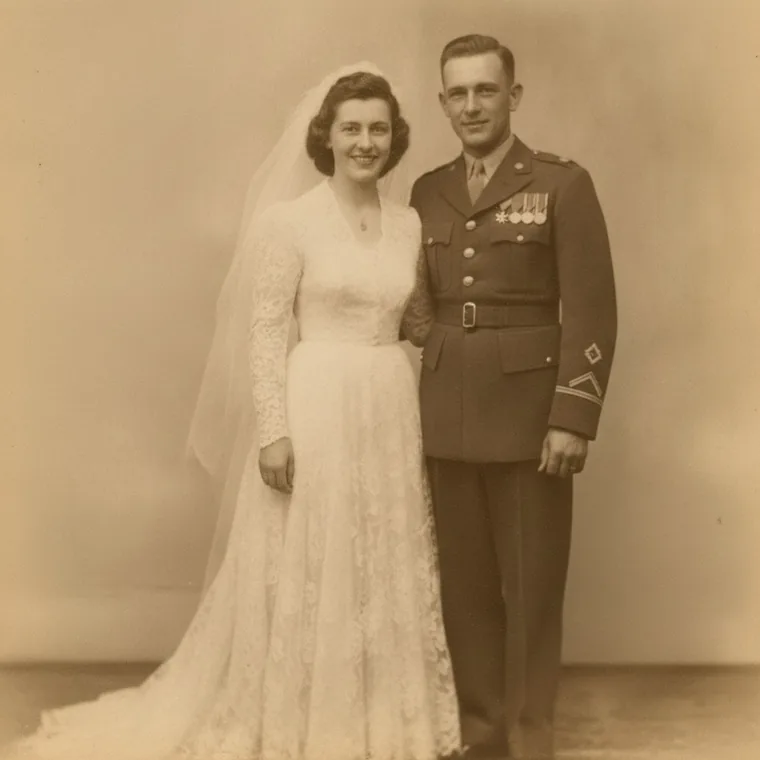
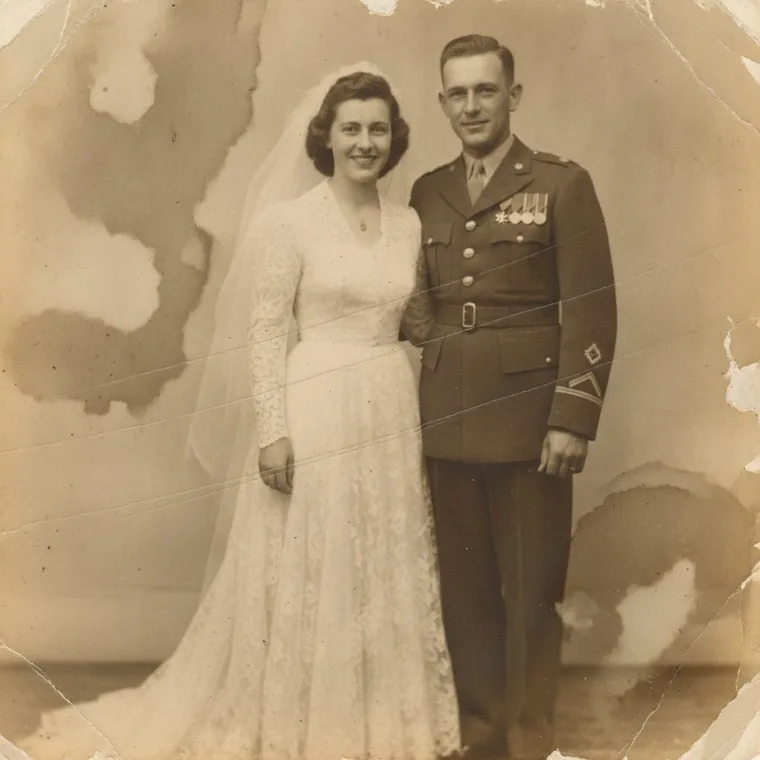
A torn wedding photograph — after
A torn wedding photograph — before
BEFOREAFTER
Restore
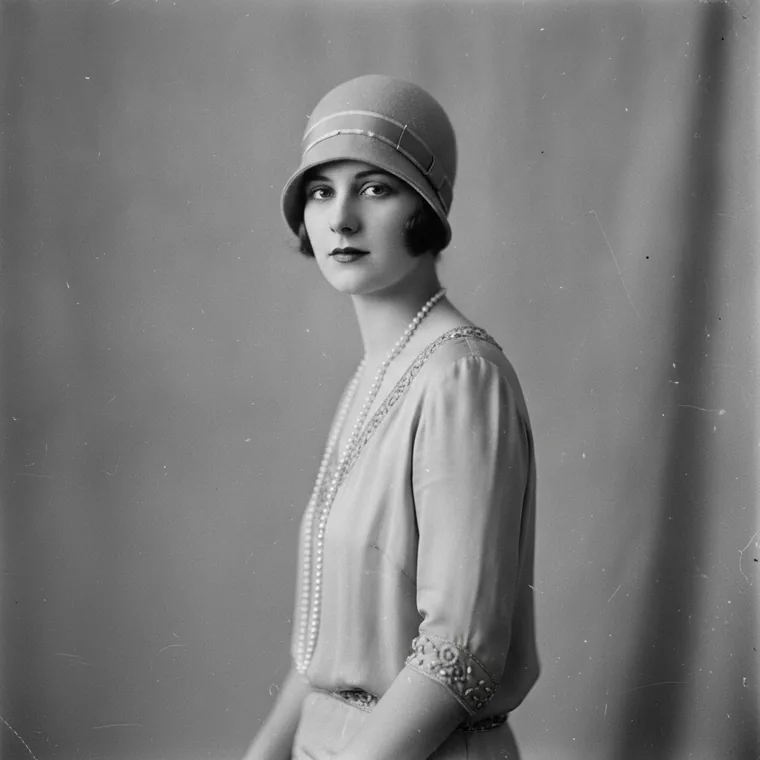
A 1920s portrait of a woman in a cloche hat — after
A 1920s portrait of a woman in a cloche hat — before
BEFOREAFTER
Colorize
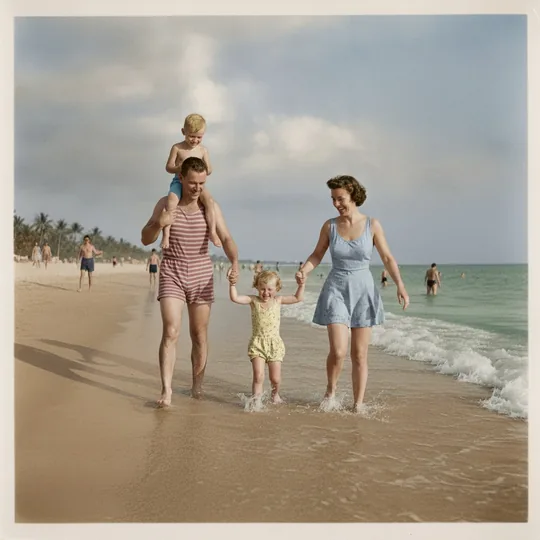
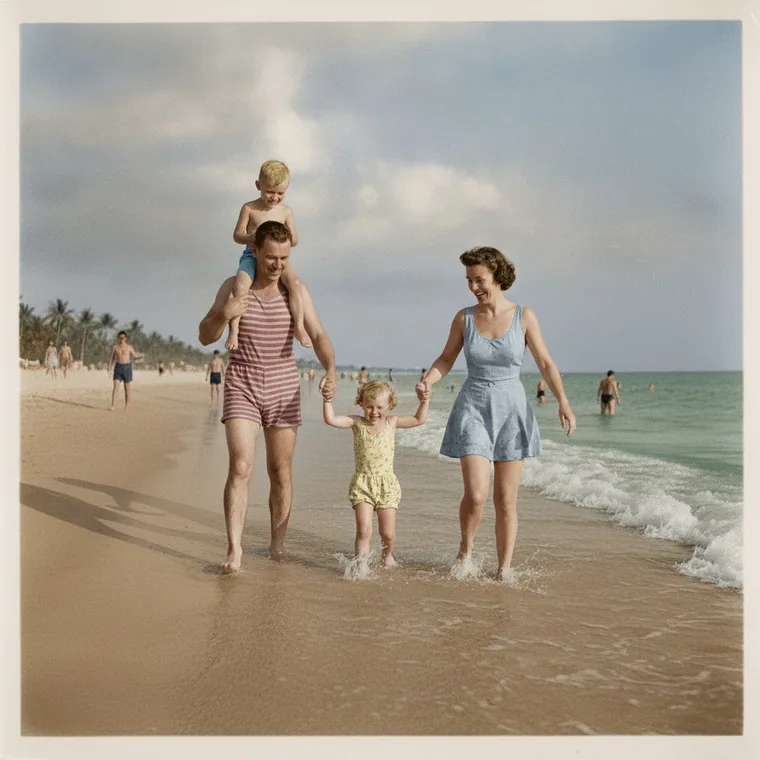
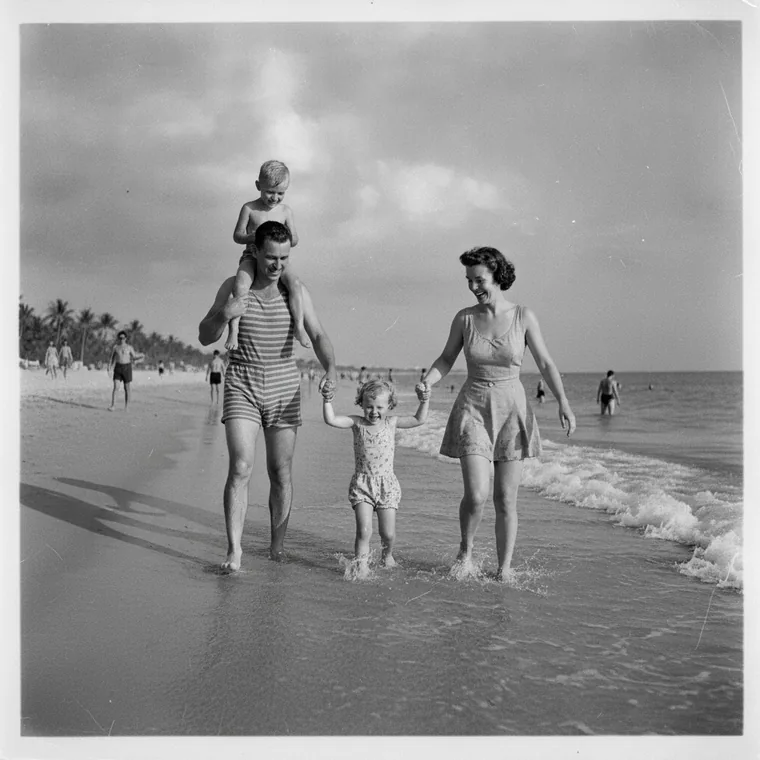
A black and white family photograph at the beach — after
A black and white family photograph at the beach — before
BEFOREAFTER
Colorize
A portrait of a soldier cut out onto a plain background — after
A portrait of a soldier cut out onto a plain background — before
BEFOREAFTER
Remove background

Animation

A photograph that moves

One still portrait goes in. What comes back is a short HD video — a warm expression, a soft blink, a little movement of the head. Nothing is said, and nothing is invented.
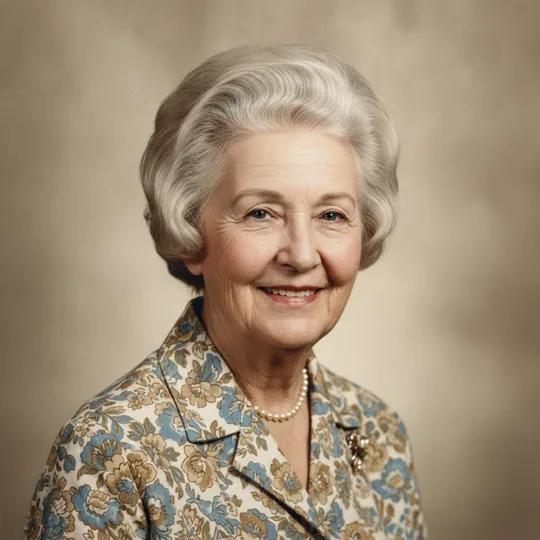
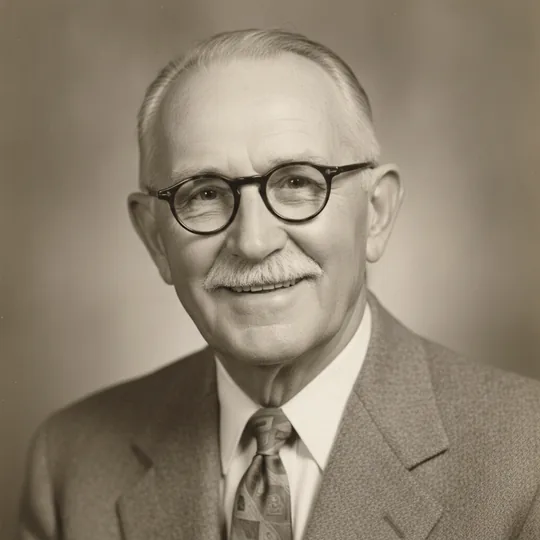
An old portrait animated into a short video — the original still
THE PHOTO
THE VIDEO
A restored portrait animated into a short video — the original still
THE PHOTO
THE VIDEO
A family photograph on a beach, animated so the water moves — the original still
THE PHOTO
THE VIDEO

Watch it work

From faded print to living memory

Pick a photo, choose what you need, and let the AI do the rest. Photo edits finish in seconds; a video takes about two minutes. Everything saves to your phone in HD, with no watermark.

Repairing a damaged print

Scratches, tears and fading taken out in a few seconds.

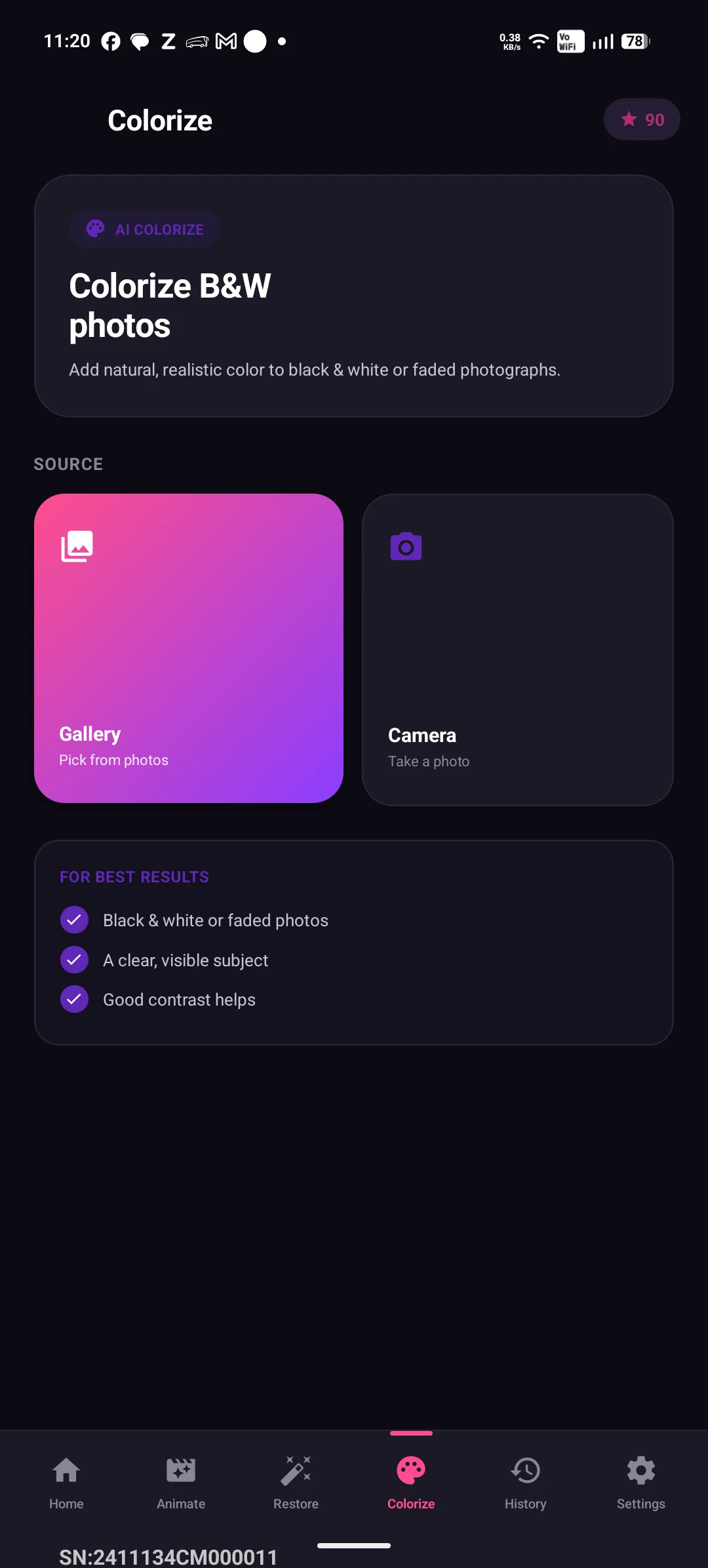
Colour on black & white

Natural skin tones added without redrawing the photograph.

Your words, on the video

The greeting is baked into the file, so it is still there when you send it.

See it in action

A peek inside Old Photo Animator AI

Old Photo Animator AI screenshot 1
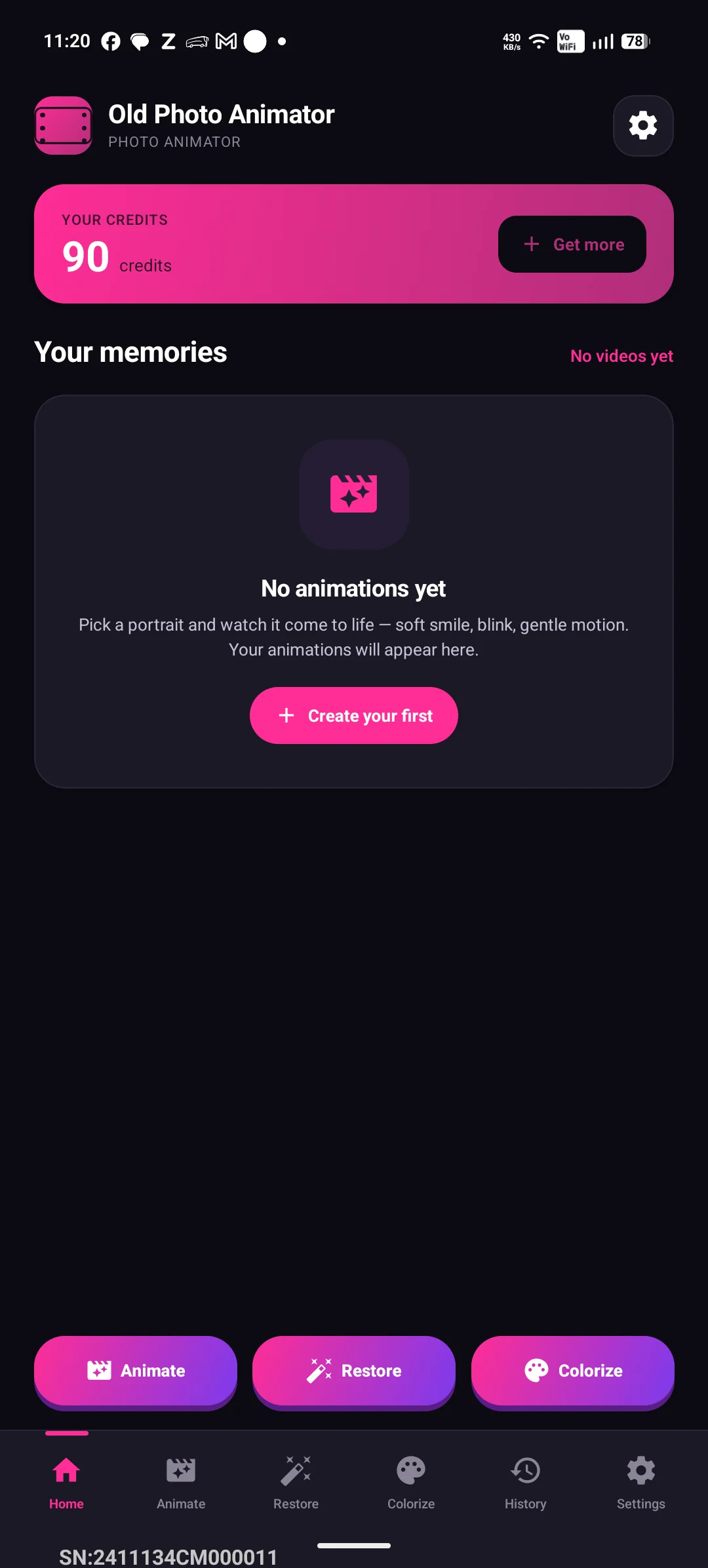
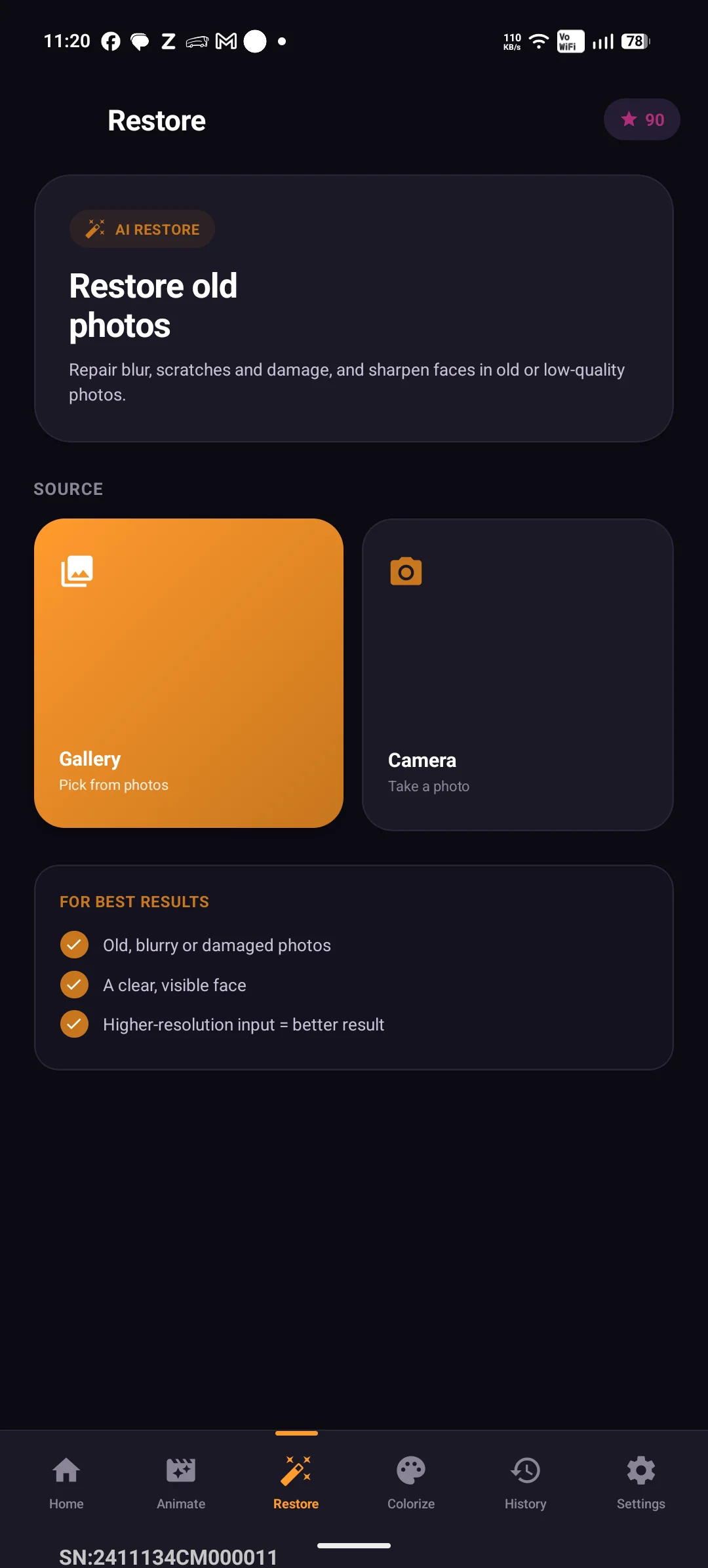
Every tool on one screen
Old Photo Animator AI screenshot 2
Repair scratches, tears and fading
Old Photo Animator AI screenshot 3
Natural colour on black & white
Old Photo Animator AI screenshot 4
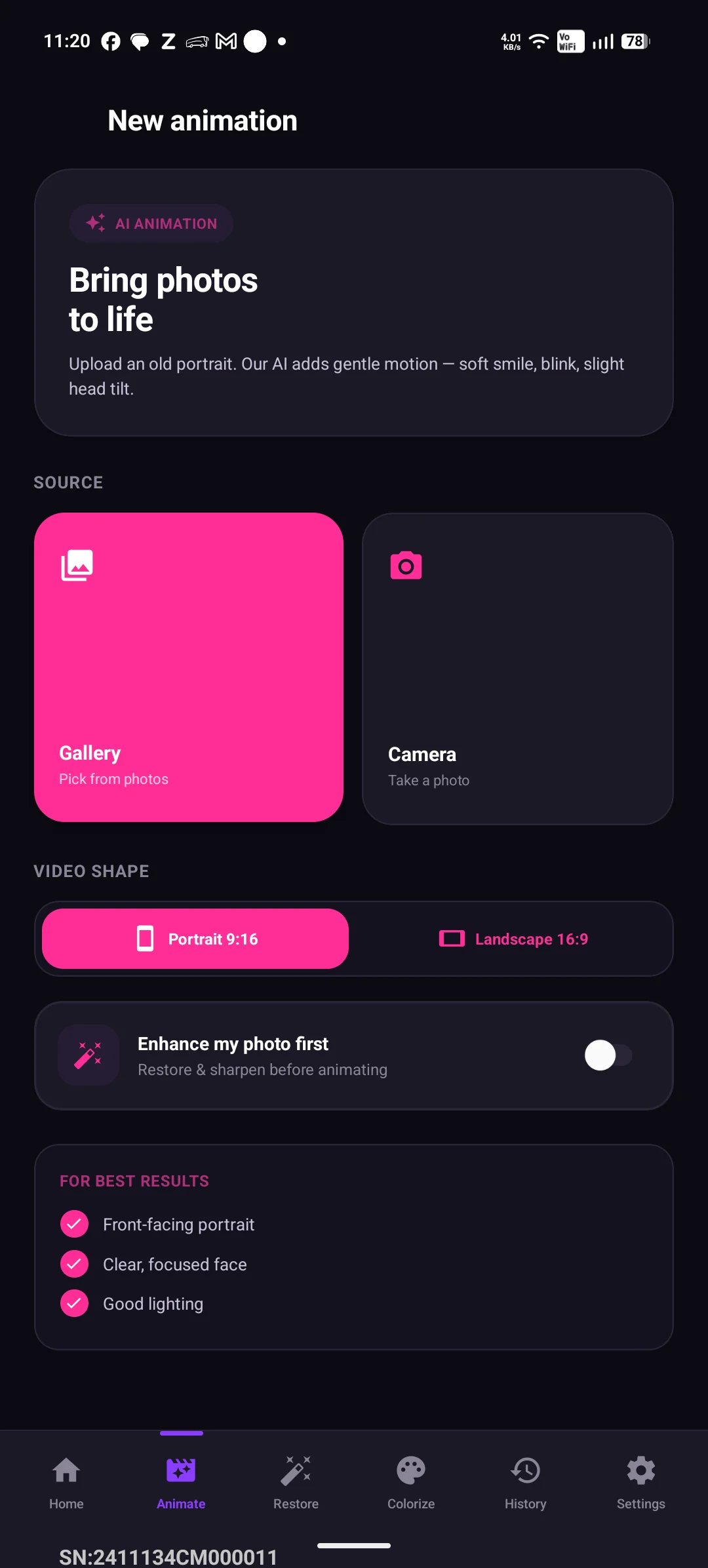
Animate a portrait into HD video
Old Photo Animator AI screenshot 5
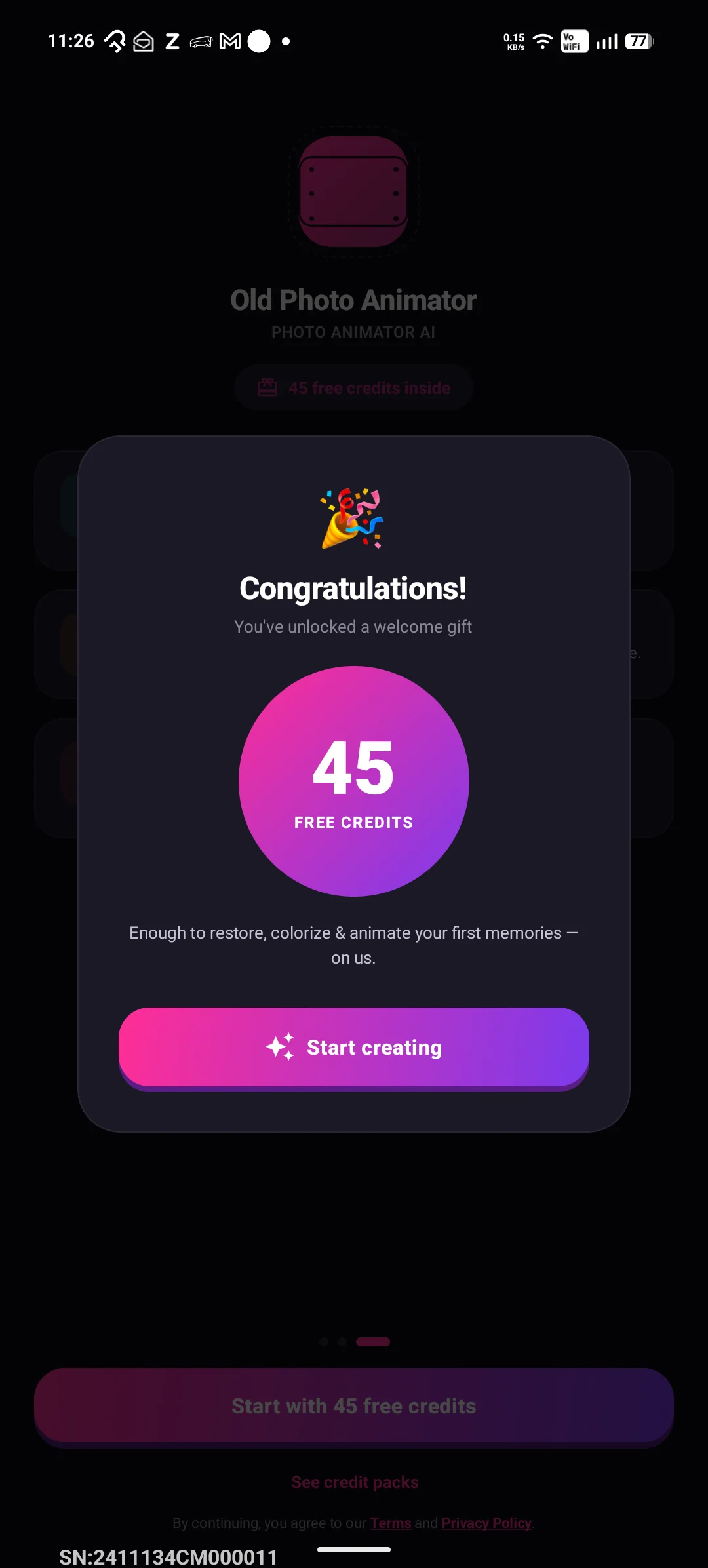
45 free credits when you install
Old Photo Animator AI screenshot 6
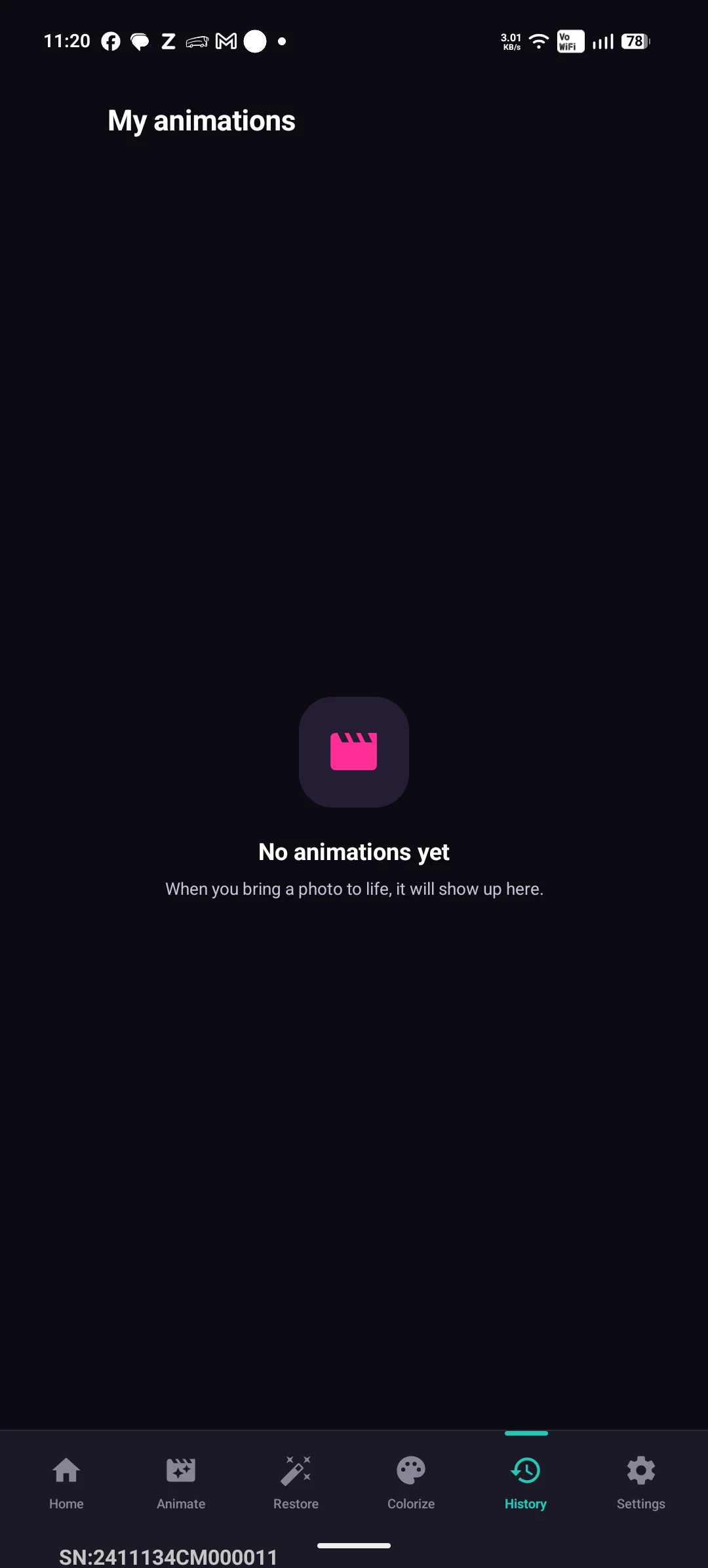
Everything you have made, in one place

Key features

Everything you need in Old Photo Animator AI

Repair Damaged Photos

Remove scratches, tears, creases, stains and blur from old prints — faces come back sharp and natural.

Colorize Black & White

Add realistic, historically plausible color and lifelike skin tones to B&W and faded photographs.

Animate a Face

Turn a still portrait into a short HD video with a gentle smile and natural movement.

Remove Background

Cleanly cut the subject out onto a plain background — ideal for memorial cards and prints.

Add a Greeting

Put your own words on the video — “I love you, Grandma” — baked in so it stays when you share.

HD & Private

High-quality output, no watermark, and your photos are deleted after processing.

Save & Share

Download to your gallery or share to social media instantly.

No Watermark

Clean, professional animated videos every time.

How it works

Get started in seconds

  1. 1

    Photograph or scan the old print, then pick it from your gallery

  2. 2

    Choose what you need: Restore damage, Colorize, Remove background, or Animate

  3. 3

    AI does the work — photo edits in seconds, video in about two minutes

  4. 4

    Save the HD result to your device, with no watermark

  5. 5

    Share it with family, or use it for a memorial or gift

Questions

Frequently asked questions

Can it fix a torn, scratched or water-damaged photo?
Yes. Take a clear phone photo or scan of the print and use Restore — it removes scratches, tears, creases, spots and fading, and sharpens faces, while keeping the person exactly as they were.
Will it add color to a black & white photo?
Yes. Colorize adds natural, historically plausible color with lifelike skin tones. It only lays color on top — it never redraws faces, clothing or the composition.
How does animating a photo work?
Pick a front-facing portrait and the AI creates a short HD video where the person gently smiles, blinks and moves. It usually takes about two minutes, and the result saves to your phone with no watermark.
Is it free?
You get 45 free credits when you install — enough to restore and colorize several photos. Videos use purchased credits, priced by length: 40 credits for 4 seconds, 60 for 6, 80 for 8. There is no subscription.
Do you keep or sell my photos?
No. Your photo is sent securely to our AI provider for processing, the result is returned to your device, and we delete it from our servers. We never sell your photos or use them to train AI models.
Can I use it for a memorial or funeral tribute?
Yes — that is one of the most common uses. Restore and colorize the portrait, optionally animate it, and add a short message to the video for a service, slideshow or memorial card.
What photos work best?
A clear, front-facing photo of one or a few people, in reasonable light. Higher-resolution scans give better results. Screenshots, documents and non-photo images are not supported.
Which devices does it run on?
iPhone and iPad via the App Store, and Android phones and tablets via Google Play.

Still weighing up your options?

We put Old Photo Animator AI side by side with Remini, MyHeritage, Photomyne, Palette.fm — including the cases where one of them is the better choice.

Read the comparison

Made for you

Who Old Photo Animator AI is for

  • Old family photos & vintage portraits
  • Heritage & ancestral photographs
  • Memorial tributes & celebrations
  • Mother's/Father's Day gifts
  • Genealogy & family history projects
Privacy-first

Ready to try Old Photo Animator AI?

Repair torn and faded family photos, add lifelike color to black & white, and bring ancestors to life as video — no editing skills needed.

More from RRA AppStudio

Explore our other apps

Back to all apps →
Career Craft icon

Career Craft

Your AI Interview Coach

Practice realistic voice-based mock interviews and sharpen your skills with AI feedback.

GET IT ONGoogle Play
Learn more